
Key takeaway
Choose the route that matches your situation: post a job if you want to explain the work, browse reviewed public profiles if you want to compare first, or request a business you already know and want to approach directly.
TradeKind helps homeowners find local Sussex trades
Browse approved local trade profiles, compare nearby Sussex trades or post a job for free.
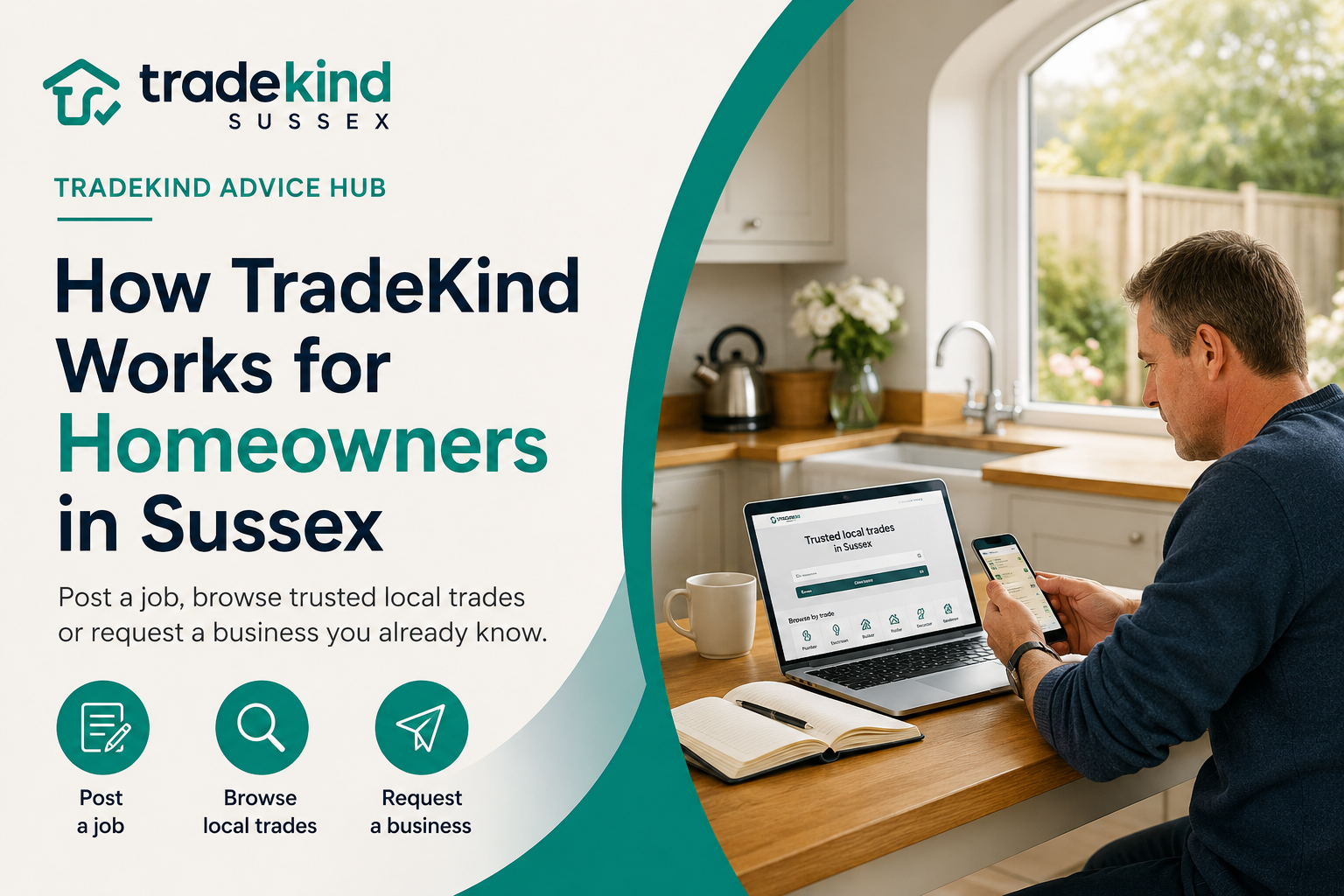
TradeKind helps homeowners find local tradespeople across Sussex in three ways: search by trade and town, send a private request to a particular business, or post a job for relevant Sussex trades to consider. You can compare public profiles, services, areas covered, photographs, reviews and frequently asked questions before deciding who to contact.
Using TradeKind is free for homeowners. You can browse Sussex trades, request a specific business or describe your job without paying a homeowner fee.
The best route depends on how far you have already reached in your search:
| What you want to do | Best TradeKind route |
|---|---|
| See which local businesses are available | Search by trade and Sussex town |
| Contact a business whose profile suits your job | Request that trade directly |
| Describe the work without choosing one business | Post a job for relevant Sussex trades |
TradeKind is focused on East Sussex, West Sussex and Brighton and Hove, helping homeowners connect with businesses that say they cover their local area.
Route one: search for tradespeople by trade and town
Searching is the best starting point when you know which type of tradesperson you need and want to compare local businesses.
You might search for:
- A roofer covering Worthing
- An electrician in Brighton and Hove
- A painter and decorator serving Lancing and Shoreham
- A builder around Crawley
- A plumber covering Hastings and Bexhill
- A gardener serving Haywards Heath and Burgess Hill
Visit the Sussex Trades Directory, choose a trade and select your town or area.
TradeKind then helps you browse public profiles belonging to businesses that list the relevant trade or location.
Choose the closest matching trade
Try to select the category that most accurately describes the work.
For example, you may need:
- An emergency plumber rather than a general plumber
- A flat-roof specialist rather than a general roofer
- A bathroom fitter rather than a handyman
- An extension builder rather than a general maintenance business
- An emergency electrician rather than a standard electrical appointment
- A drainage specialist rather than a plumber
Choosing the closest match helps relevant Sussex businesses understand what you need.
TradeKind covers a wide range of home-improvement and property services, including smaller repairs, ongoing maintenance and larger renovation projects.
Add your Sussex location
Tradespeople choose the towns and areas they say they cover.
A business may be based in one place but work across a wider part of Sussex.
For example:
- A decorator based in Lancing may cover Worthing, Shoreham and Steyning.
- A roofer based near Eastbourne may cover Hailsham, Polegate and Seaford.
- A builder in Crawley may work across Horsham and Haywards Heath.
- An electrician based in Hastings may also cover Bexhill and surrounding areas.
Check the full profile rather than assuming the business works only in its base town.
What can you see on a TradeKind profile?
A TradeKind profile is designed to give you more information than a basic business name and telephone number.
The exact content depends on what the tradesperson has added, but a profile may show:
- The main trade categories
- Individual services
- A business description
- Base town
- Sussex areas covered
- Logo and cover image
- Photographs of previous work
- Customer reviews
- Frequently asked questions
- Company website
- Team members
- Independent Partner trades
- Profile review status
- A private request button
Use these details to decide whether the business appears relevant to your job.
Check the individual services
A broad trade category does not tell you everything a company does.
A business listed as a roofer might provide:
- Leak investigations
- Roof repairs
- Flat roofing
- Chimney repairs
- Guttering
- Storm-damage work
- Complete re-roofing
A painter and decorator might offer:
- Interior decorating
- Exterior painting
- Wallpaper hanging
- Woodwork preparation
- Rental-property decorating
- Commercial decorating
A builder might focus on:
- Extensions
- Renovations
- Garage conversions
- Brickwork
- Structural alterations
- General property repairs
Check that the exact service you need appears on the profile or ask the business directly.
Look at the areas covered
The coverage section helps you judge whether the business normally travels to your town.
This is more useful than choosing a company purely because its base address appears nearby.
A trade may already work regularly across your area even if it is based in another Sussex town.
Equally, a business based fairly close to you may operate within a smaller local radius.
Examine the work photographs
Photographs can help you understand the type of work the company completes.
Look for examples that resemble your project.
For instance:
- A homeowner planning an exterior repaint may want to see masonry and exterior woodwork.
- Someone considering a bathroom renovation may want to see complete bathrooms rather than isolated plumbing repairs.
- A homeowner with a leaking flat roof may prefer examples of flat-roof repairs and replacement.
- Someone planning a garden redesign may want to see patios, fencing, lawns and planting.
The images provide useful context before you make contact.
Read the frequently asked questions
Profile FAQs may explain:
- How quotations are arranged
- Which jobs the business accepts
- Whether materials are supplied
- What Sussex areas are covered
- Whether smaller jobs are considered
- How work is scheduled
- Whether other trades may be involved
- What information you should provide
This can answer simple questions before the first conversation.
Visit the company website
Approved TradeKind profiles can include a link to the business’s own website.
The website may contain:
- More work examples
- Detailed service pages
- Business history
- Contact information
- Accreditations
- Customer guidance
- Additional reviews
Use both the TradeKind profile and the business website to build a clearer picture.
Understanding Team members and Partner trades
TradeKind profiles can show the network behind a business through a feature called a Fleet.
A Fleet can include two different types of people or businesses.
Team members
Team members are people working inside the business.
They may include:
- Employees
- Apprentices
- Regular workers
- Directors
- Other members of the company
This can help you understand who may attend your property or help complete the work.
Partner trades
Partner trades are independent Sussex trade businesses that the company regularly works with or recommends.
They are not employees of the main business.
A bathroom fitter might show an independent electrician or plasterer they regularly work with.
A builder may show Partner roofers, plumbers, decorators or landscapers involved in larger projects.
Where a Partner has its own TradeKind profile, you can open it and learn more about that separate business.
A Partner connection does not guarantee that the company will be involved in your job. It gives you more visibility into the professional network surrounding the trade.
Route two: request a particular tradesperson
A direct request is useful when you have found one profile that appears especially suitable.
You might choose this route because:
- The profile shows highly relevant work.
- The business clearly provides the service you need.
- Its coverage includes your town.
- A previous customer recommended it.
- You have used the company before.
- Its Team or Partner network fits a larger project.
- The business website gives you confidence to enquire.
Open the profile and select Request This Trade.
You can then describe the job privately.
The tradesperson’s private phone number and email address do not need to be displayed publicly on the profile.
What should you include in a direct request?
Give the business enough information to judge whether the work is suitable.
Include:
- The service required
- Your Sussex town or postcode area
- A clear description of the job
- Property type where relevant
- Approximate project size
- Preferred timing
- Whether the problem is genuinely urgent
- Useful access or parking information
- Photographs where the request form allows them
For example:
We are in Worthing and need three bedrooms redecorated. The walls are generally sound, but one room needs wallpaper removed and there are several cracks to fill. We would like the walls, ceilings and woodwork completed and hope to start within the next two months.
That is more useful than:
Need decorator. Please call.
What happens after you request a trade?
TradeKind alerts the selected business to your request.
The tradesperson can review the details and decide whether to respond.
They may:
- Ask for more information
- Request photographs
- Discuss likely availability
- Arrange a telephone call
- Suggest a property visit
- Prepare a quotation
Sending a request does not commit you to hiring the company.
It also does not guarantee that the tradesperson will be available or able to accept the work.
Route three: post a job
Posting a job is useful when you know what work is needed but have not chosen a particular business.
Instead of contacting one profile, you describe the project and TradeKind routes it to relevant Sussex trades where available.
Posting a job on TradeKind is free for homeowners.
When should you post a job?
This route may suit you when:
- You are open to hearing from suitable local businesses.
- Several tradespeople could potentially complete the work.
- You are unsure which profile to request.
- You want to describe the project once.
- You are not certain which exact trade category is needed.
- The job involves a service you have struggled to find.
- You want relevant trades covering your Sussex location to consider it.
Posting a job does not prevent you from continuing to browse profiles separately.
How do you post a job?
The process begins by selecting the trade you believe best matches the work.
You then provide:
- The trade or service required
- The job location
- Details about the work
- Your contact information
If you are unsure which trade you need, the job-posting process also provides an option to say so.
TradeKind can then use the description to help route the request appropriately.
What should the job description include?
A useful description should explain:
- What has happened or what you want completed
- Which part of the property is involved
- Whether it is a repair, replacement or new installation
- Your town or area
- Approximate size
- Preferred timing
- Whether there is an active safety or damage concern
- Any relevant photographs or inspection details
- Access, parking or household considerations
For example:
We are in Horsham and want to convert an attached garage into a home office. The garage is approximately five metres by three metres and already has electricity. We expect the work to include insulation, a new window, plastering, flooring and decorating. We hope to begin during autumn.
That helps a builder judge:
- Whether the service matches
- Whether the area is covered
- Whether the project suits the company
- Whether other trades may be needed
- Whether the timing is realistic
- What questions need answering
Direct request or job post: which should you choose?
The two options solve different problems.
| Direct request | Job post |
|---|---|
| Sent to one chosen business | Routed to relevant Sussex trades where available |
| Best when you already prefer a profile | Best when you are open to suitable businesses |
| Focused on why you chose that company | Focused on the work that needs completing |
| The chosen trade decides whether to respond | Relevant trades can consider the opportunity |
| Useful after comparing profiles | Useful when you have not selected anyone |
Neither choice commits you to hiring a business.
You can discuss the work, ask questions and obtain quotations before deciding what to do.
What happens after you post the job?
TradeKind reviews the information supplied through the request process and routes it to relevant Sussex trades where available.
A business that receives the opportunity can decide whether the service, location and project appear suitable.
It may then contact you to:
- Ask questions
- Request photographs
- Clarify the scope
- Discuss availability
- Arrange a visit
- Offer a quotation
The number and speed of responses can vary.
It depends on factors including:
- The type of work
- Location
- Detail provided
- Timing
- Business availability
- Whether suitable profiles currently cover the area
TradeKind does not force a tradesperson to accept a request, and posting a job does not create a contract with any business.
Why a detailed request is more useful
Tradespeople need enough information to decide whether an enquiry fits their work.
Compare these two requests.
Very limited request
Need builder in Sussex. Contact me.
The trade does not know:
- What type of work is involved
- Where in Sussex the property is
- Whether it is a repair or major project
- When it is required
- Whether the company provides the service
More useful request
We are in Crawley and need a builder to remove part of an internal wall between our kitchen and dining room. We have not yet confirmed whether the wall is structural. We would like advice, any required structural work, making good and plastering. We hope to complete the project this winter.
The second request makes it easier for suitable businesses to understand the project.
You do not need to diagnose the work yourself. Describe what you can see, what you want to achieve and anything you already know.
Is TradeKind free for homeowners?
Yes.
Homeowners can use TradeKind to:
- Search for Sussex trades
- Browse public profiles
- View services and work photographs
- Read FAQs and reviews
- Request a particular business
- Post a job
There is no homeowner charge for using those routes.
Any quotation, price or contract for the actual work is agreed directly between you and the tradesperson.
Which areas does TradeKind cover?
TradeKind focuses on Sussex, including:
- East Sussex
- West Sussex
- Brighton and Hove
The directory contains trade categories and local pages covering towns, villages and areas throughout Sussex.
Tradespeople select the locations they say they serve.
That means a search is based not only on where a company is located but also on where it says it works.
For example:
- A homeowner in Shoreham may find a roofer based elsewhere in West Sussex who regularly covers the town.
- Someone in Eastbourne may find a trade based near Hailsham or Polegate.
- A homeowner in Burgess Hill may find businesses serving several Mid Sussex locations.
- Someone in Bexhill may find profiles from trades covering the wider East Sussex area.
Always confirm the exact location with the business when making contact.
Example: finding help with a leaking roof in Shoreham
Imagine you notice water entering near a bedroom ceiling after heavy rain.
TradeKind gives you three possible routes.
Search for roofers
Search for roofers covering Shoreham-by-Sea.
Open relevant profiles and compare:
- Roof-repair services
- Leak-investigation experience
- Work photographs
- Areas covered
- Reviews
- FAQs
- Business websites
Request one roofer directly
One profile may show several similar repairs and clearly cover Shoreham.
Select Request This Trade and describe:
- Where the water appears
- When it started
- Whether the leak is active
- Whether you can see damage outside
- Whether the loft is accessible
- Any photographs available
Post the roofing job
If you do not prefer one particular profile, post the job instead.
TradeKind can route the request to relevant Sussex roofers where available.
Those businesses can then decide whether to respond.
The three routes begin differently, but the next step is similar: discuss the problem, confirm availability and obtain a clear quotation before agreeing to work.
What does a reviewed TradeKind profile mean?
TradeKind manually reviews submitted business profiles before allowing them to appear publicly.
This helps keep the directory relevant and prevents profiles from being published automatically without review.
A reviewed profile is a useful starting point, but it does not mean TradeKind has independently confirmed every:
- Qualification
- Insurance policy
- Reference
- Photograph
- Business claim
- Price
- Future piece of work
Use the profile to understand the business and create a shortlist.
Then complete any checks relevant to your job.
Learn what an Approved TradeKind profile means.
What should you do before hiring?
TradeKind provides the search, profile, direct-request and job-posting routes.
You and the tradesperson then discuss the work directly.
Before agreeing to proceed:
- Confirm the exact scope.
- Request a written quotation.
- Check any registration required for regulated work.
- Ask about appropriate insurance where relevant.
- Agree deposit and payment stages.
- Confirm who will complete the work.
- Keep important details and changes in writing.
For the complete homeowner checklist, read How to Find a Reliable Tradesperson in Sussex.
How TradeKind works for homeowners
The complete process is simple:
- Search by trade and Sussex town, or post your job.
- Read local business profiles.
- Compare services, areas, photographs, reviews and FAQs.
- Request a particular business or let relevant Sussex trades consider the job.
- Discuss the work directly.
- Obtain a clear quotation and complete any relevant checks.
- Decide whether you want to proceed.
TradeKind gives homeowners one Sussex-focused place to begin, whether they already have a particular business in mind or simply need help finding the right local trade.
Frequently asked questions
Do I have to post a job to use TradeKind?
No. You can also browse public trade profiles or request a specific business you already know.
What details should I include when posting a job?
Share the type of work, your location, a clear description, timing, access issues and any useful photos if you have them.
What does reviewed mean on TradeKind?
Reviewed means a public profile has been checked before publication. It does not automatically confirm workmanship, qualifications, insurance, identity, background or results unless a specific check is stated.
Can I contact tradespeople directly through TradeKind?
TradeKind lets you send job details or a request to a business. Public phone numbers and email addresses are not shown on profiles.
How should I compare different options?
Compare the fit for the job, the clarity of the profile, the areas covered and how closely each business matches what you need.
Explore trades across Sussex
These are some of the main trades and Sussex areas you can browse on TradeKind. You can also explore many more trades, towns and villages across East Sussex and West Sussex, including Brighton & Hove.
Browse by Sussex area
Browse by trade
Can’t see what you need? Browse the full Sussex Trades Directory to explore more trades and areas.
Browse all trades and areasKeep reading

What Is TradeKind? A Sussex Marketplace for Homeowners and Local Tradespeople
TradeKind is a Sussex-first marketplace that helps homeowners find local tradespeople and gives tradespeople a place to build a profile, manage leads and serve their local area.
How to Find a Reliable Tradesperson in Sussex
A practical Sussex homeowner guide to finding, checking and choosing a reliable local tradesperson for repairs, improvements and larger home projects.
Need a local Sussex trade?
TradeKind connects Sussex homeowners with local trades — free to use, with no hidden fees.